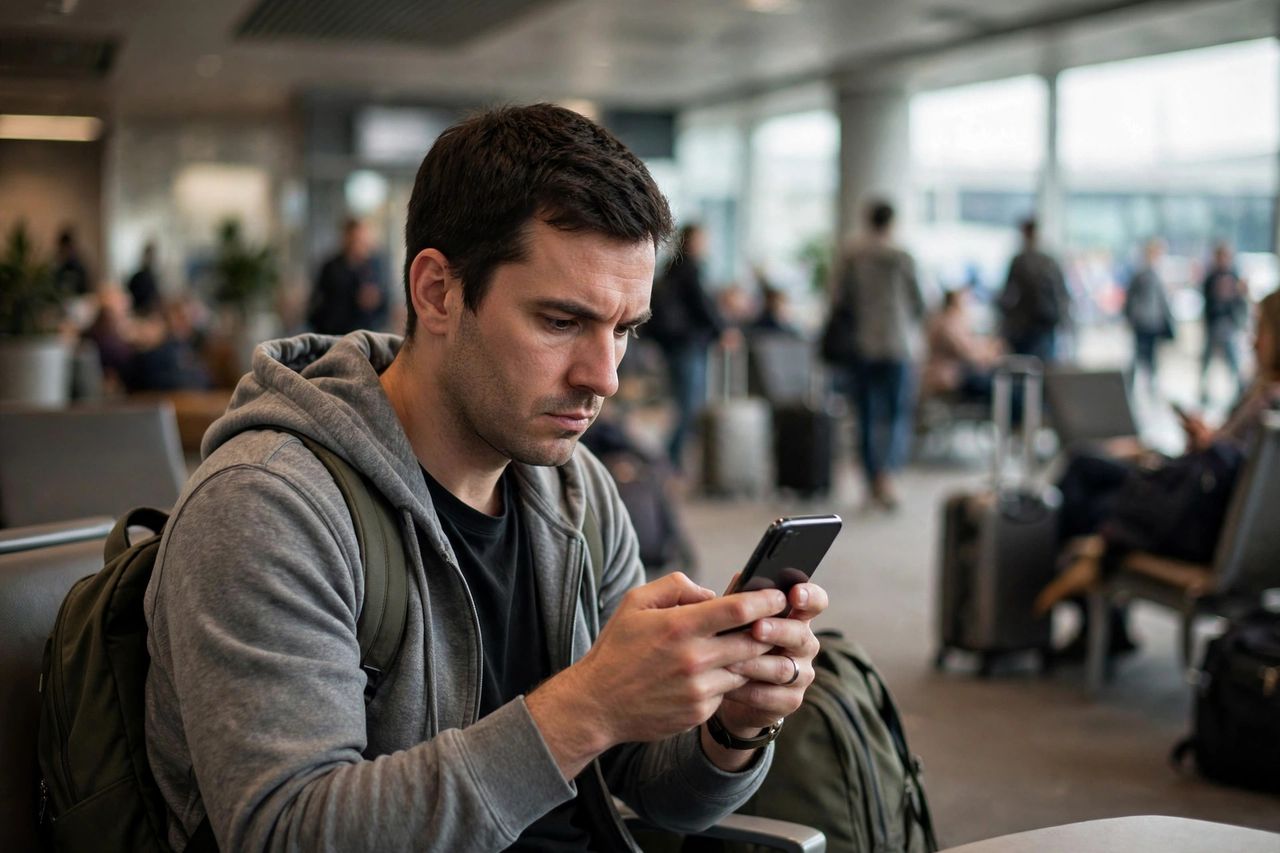
Free public WiFi is everywhere — cafés, airports, hotels — and attackers know it. Connecting blindly can expose your logins, messages, and bank details. You do not need to avoid public WiFi; you need eight habits that make it safe.
Verify the Network, Then Use a VPN
Attackers set up fake hotspots with names like "Free_Airport_WiFi" to intercept your traffic. Rule 1: confirm the exact network name with staff before connecting. Rule 2: turn on a reputable VPN on untrusted networks. A VPN encrypts everything between you and the internet, which is the single strongest protection you can get.
Keep HTTPS and Updates On
Rule 3: check for the padlock and "https" in your browser before entering any password. Rule 4: install system and app updates promptly — many patch the exact flaws attackers exploit on open networks. An outdated device on public WiFi is the digital equivalent of leaving your door unlocked.
Avoid Banking and Sensitive Logins
Rule 5: never access bank accounts, investment apps, or work admin panels on public WiFi — wait until you are on mobile data or home internet. Rule 6: log out of sessions when you are done. If you must do something sensitive, your phone's mobile data is always safer than the café's free network.
Lock Down Your Accounts
Rule 7: enable two-factor authentication on email, banking, and social accounts — even if a password is stolen, the second factor blocks the attacker. Turn off auto-connect to open networks in your phone's settings so your device never silently joins a rogue hotspot without you knowing.
Forget the Network When You Leave
Rule 8: after using public WiFi, open your WiFi settings and "forget" the network so your device does not auto-rejoin it later — near an attacker, or ever again. Old saved networks are silent backdoors; clearing them takes ten seconds and closes the loop completely.