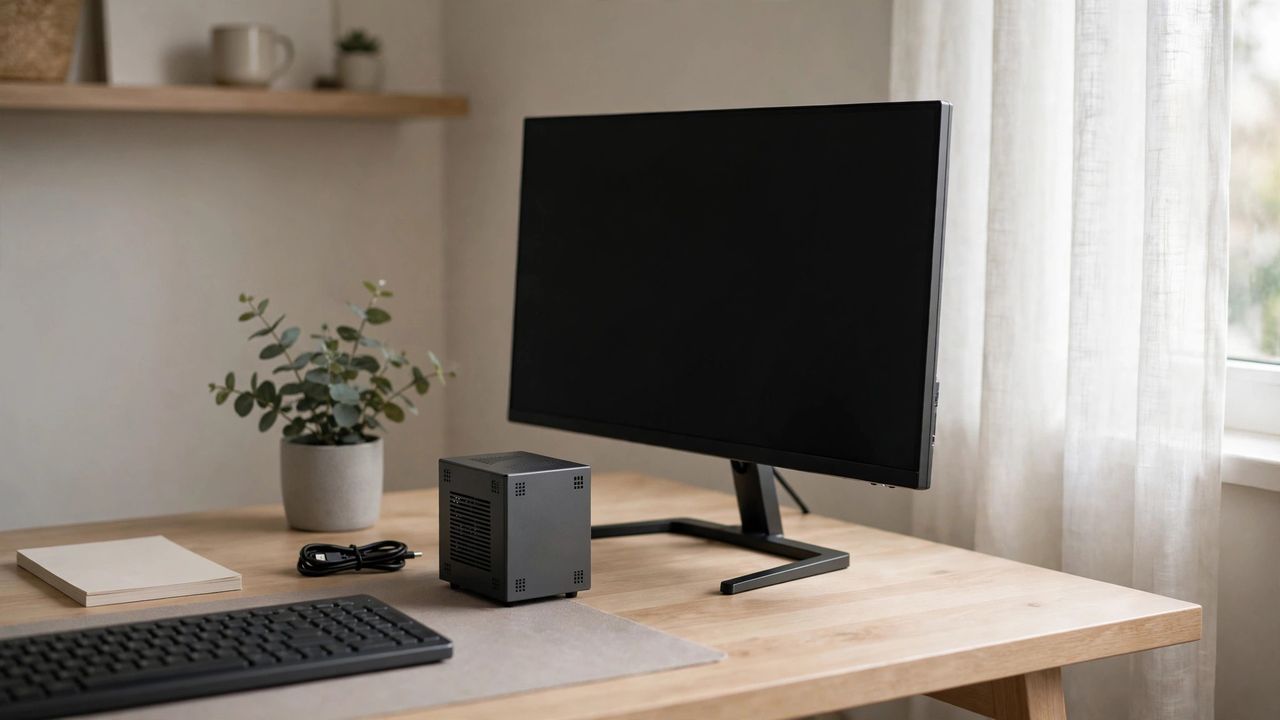
Mini PCs have quietly become one of the smartest computer purchases of 2026. These small boxes — often no bigger than a paperback — now carry processors powerful enough for office work, web browsing, streaming, and even light creative work. They cost less than laptops, sip electricity, and disappear behind a monitor. Here is how to pick the right one.
Who Mini PCs Suit
Mini PCs are perfect for home offices, students, media centers, and small businesses that need several affordable workstations. They are not for heavy 3D gaming or video editing — most lack a dedicated graphics card. If your work is browsing, documents, video calls, and streaming, a mini PC will handle it easily for years.
Specs That Matter
Focus on three things: the CPU, RAM, and storage. A modern mid-range processor (recent AMD Ryzen or Intel Core chip) is plenty. Get 16 GB of RAM and at least 512 GB of SSD storage — that combination keeps everything snappy. Ignore exotic specs; a strong mid-range chip with enough memory beats a flagship processor starved of RAM.
Ports and Upgradeability
Check that the mini PC has the ports you actually need: HDMI or DisplayPort for your monitor, enough USB ports for your devices, and Ethernet if Wi-Fi is unreliable in your room. Some models let you upgrade RAM and storage later, which is a big plus. Upgradeable RAM and a spare SSD slot turn a good purchase into a great one.
Setup Ideas
Mount it behind your monitor with the included VESA bracket for a cable-free desk. Turn one into a media center connected to your TV for streaming and local movies. Or set up a quiet, always-on machine for downloads and backups. They run so cool and silent that you will forget the computer is even there — until you notice the electricity bill stayed low.
The takeaway: for everyday computing, a mini PC gives you nearly everything a desktop does at a fraction of the size, noise, and cost. Match the specs to your real work, and it will serve you well.