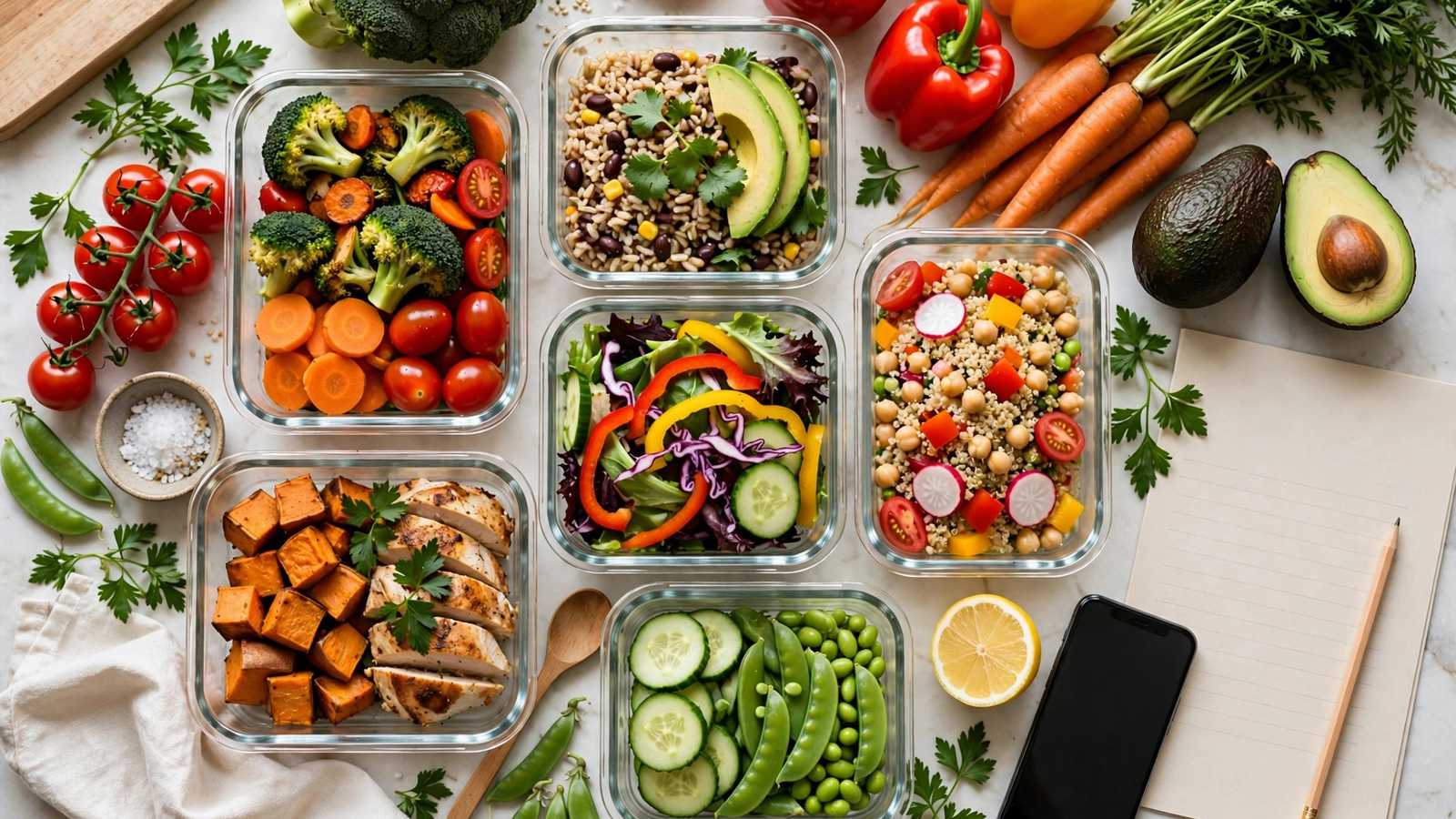
The hardest part of eating healthy isn't cooking — it's deciding what to cook, 21 times a week. Meal planning apps remove the decision fatigue: they generate your weekly menu, build the grocery list, and track nutrition automatically. Here's how to pick one and actually stick with it in 2026.
The Best Apps by Goal
For weight loss and macros: MacroFactor or MyFitnessPal lead on food databases and barcode scanning. For family meal planning: Mealime and Eat This Much generate full weekly plans with auto grocery lists. For budget cooking: SuperCook builds meals from ingredients you already own. Most offer free tiers good enough to start — pay only when a premium feature (like macro cycling) clearly earns it.
The 30-Minute Weekly System
The system matters more than the app: every Sunday, spend 30 minutes picking 5 dinners, 2 lunch templates, and breakfast defaults. Let the app generate the grocery list, then shop once. Theme your nights (Meatless Monday, Taco Tuesday) to kill decision fatigue. Cook double portions twice a week — planned leftovers are the secret weapon of everyone who "eats healthy effortlessly."
Avoiding the Two Big Traps
Trap one: planning 21 ambitious recipes and burning out by Wednesday. Start with 3–4 planned dinners and repeat favorites freely. Trap two: tracking every calorie forever — use nutrition tracking for 2–4 weeks to calibrate your eye, then switch to the simpler habit of planned meals. The goal is a sustainable routine, not a perfect spreadsheet.
Download one free app today, plan just 4 dinners for this week, and shop from its auto-generated list. Small, repeatable beats ambitious and abandoned — that's the whole secret of meal planning that sticks.