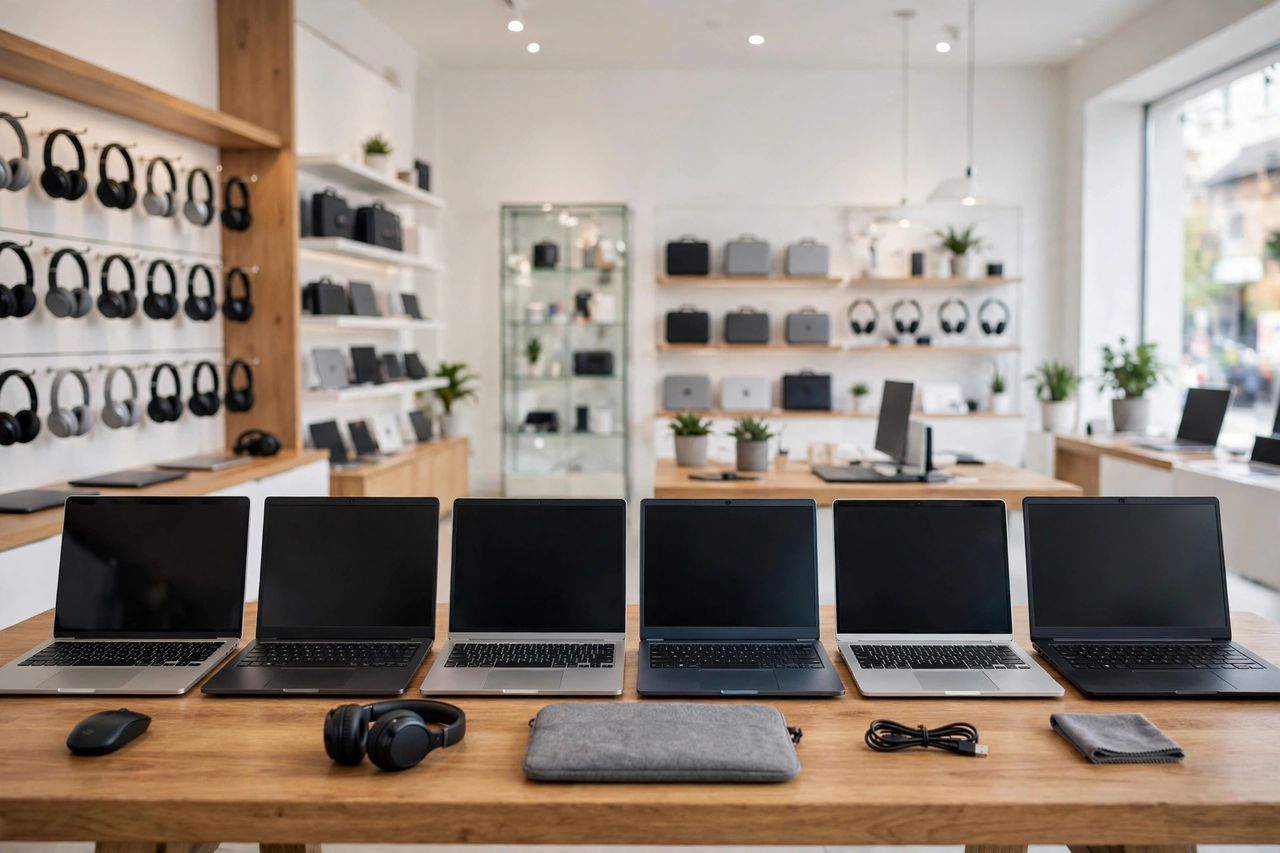
Walk into any electronics store and you're hit with a wall of specs, brands, and prices from $300 to $3,000. The secret salespeople won't tell you: start from what you'll actually do with the laptop, not from the spec sheet. A student's needs and a video editor's needs are worlds apart.
The Specs That Actually Matter
For most people in 2026, 16GB of RAM is the sweet spot — 8GB struggles with many browser tabs. A 512GB SSD is the practical minimum; avoid old-style hard drives entirely. The CPU matters less than marketing suggests for everyday work. RAM and SSD size affect everyday speed more than the CPU brand.
Battery and Portability
If you work from cafés, libraries, or classrooms, battery life is freedom. Look for 10+ hours of claimed life and subtract generously — real-world use with Wi-Fi and brightness is always less. Manufacturer battery claims are usually 30–40% optimistic — plan accordingly.
Screen and Keyboard Matter More Than You Think
You stare at the screen and touch the keyboard for hours every day — a dim, reflective display or a mushy keyboard will annoy you far longer than a slightly slower chip. Look for a bright, matte-finish panel and comfortable key travel. Never buy a laptop you haven't typed on or looked at in person.
Windows, Mac, or Chromebook?
Choose based on your must-have software: some programs only run on one system. Chromebooks are cheap, fast, and great for web-based work but limited offline. Macs cost more but hold resale value brilliantly. Choose the operating system your essential apps run on — everything else is secondary.
When to Buy
Prices dip during back-to-school sales and holiday seasons; new models usually launch in spring and autumn, pushing last year's prices down. Refurbished business laptops are often the best value of all. Last year's model at 30% off beats this year's at full price almost every time.