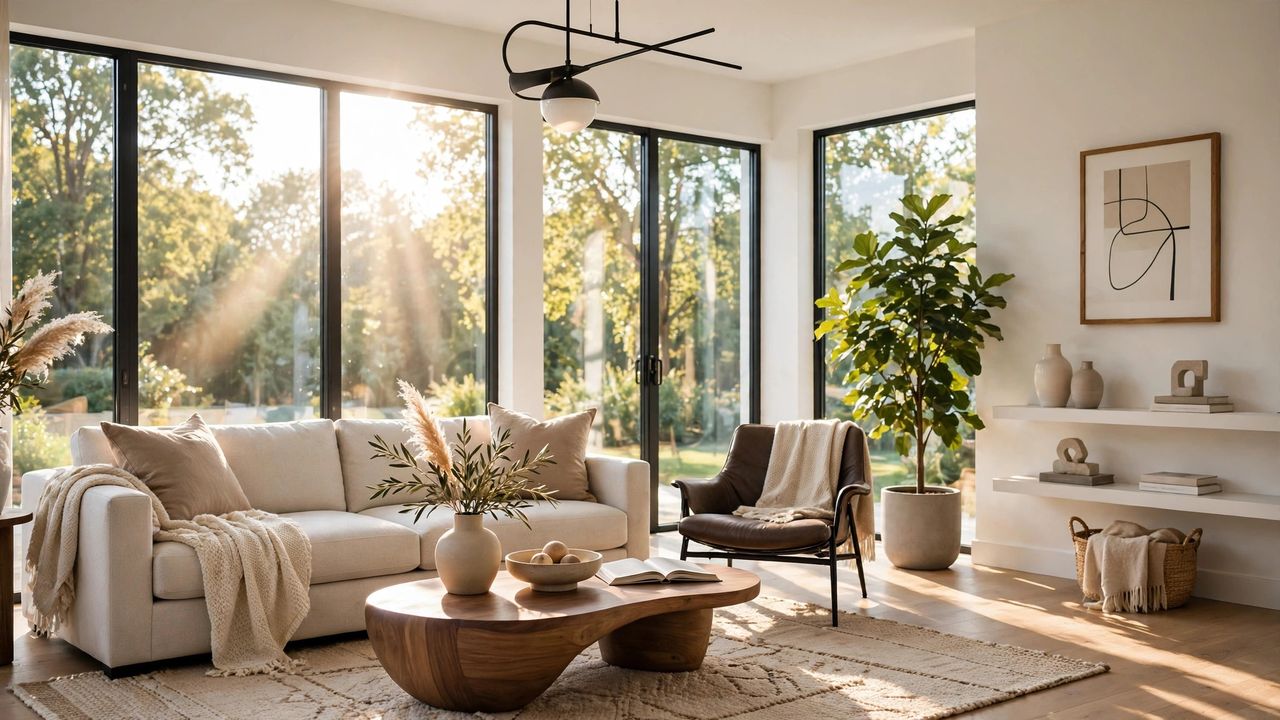
You no longer need a designer to imagine what your room could look like. AI interior design tools let you upload a photo of your space and see realistic makeovers in seconds — different styles, colors, and furniture layouts. Here is how to get the most out of them.
Start with a Great Photo
The AI can only work with what it sees, so take a clear, well-lit photo of your room from a corner showing two walls and the floor. Tidy up clutter first — it confuses the design engine. A wide-angle daylight photo gives you the most accurate and useful results.
Be Specific in Your Prompts
Vague requests like "make it nicer" produce vague results. Instead, describe exactly what you want: "Scandinavian-style living room, light oak floor, beige fabric sofa, one large plant in the corner." Mentioning specific colors, materials, and furniture pieces gives the AI something concrete to work with.
Use AI for the Planning, Not the Buying
AI images are inspiration, not shopping lists — the exact furniture it shows may not exist. Use the designs to lock in your color palette, layout, and mood, then shop real stores for similar pieces. Treat AI renders as a vision board, and your real room will turn out better than the mockup.
Test Before You Commit
Once you have a design you love, paint a sample swatch on the actual wall and live with it for a few days. Screens distort colors badly. The smartest decorators use AI to narrow ten ideas down to one — then verify that one in real life before spending money.
AI design tools work best as collaborators, not oracles. Generate several options, mix the elements you love from each, and then trust your own eye for the final calls. The goal is a room that feels like yours — the AI just helps you get there faster and with fewer expensive mistakes. Have fun experimenting; trying ten styles costs nothing.