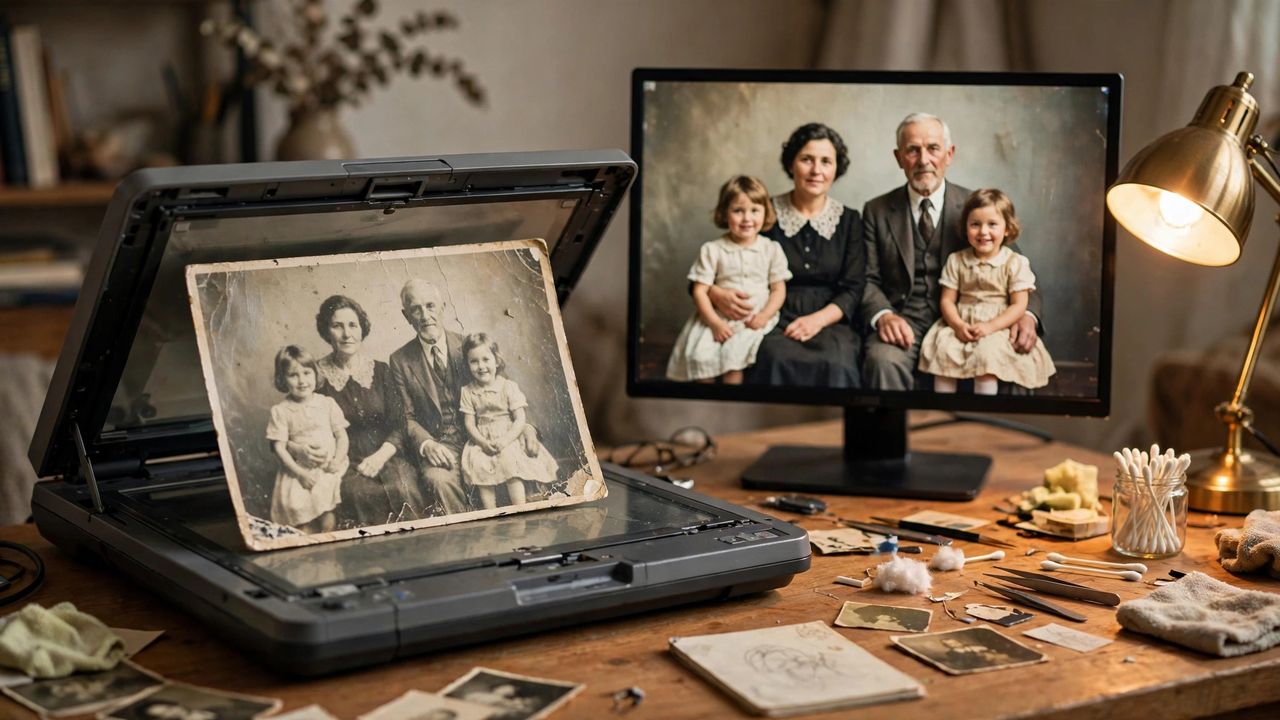
That faded family photo from 1998, the tiny profile picture from an old phone — AI can now rescue both. Image upscalers use artificial intelligence to enlarge photos while intelligently rebuilding lost detail, not just stretching pixels like old software did. Faces get sharper, textures return, and prints look good again. In 2026, several excellent tools do this for free or nearly free.
How AI Upscaling Actually Works
Traditional enlarging just makes pixels bigger and blurrier. AI upscalers were trained on millions of images, so they can guess what the missing detail should look like — reconstructing eyes, hair, and fabric in a plausible way. 4x upscaling is the common standard, turning a 500-pixel image into a 2000-pixel one. The results can be startlingly good, though the AI is "inventing" detail, so zoomed-in areas won't always match the original exactly.
The Best Free and Paid Tools
Upscayl is free, open-source, and runs on your own computer — great for privacy. Topaz Gigapixel is the paid gold standard, especially for serious restoration work. Magnific and Krea offer impressive creative upscaling in the browser. Remini is the easiest phone app for quickly fixing old portraits. Many photo editors (Photoshop, Lightroom) now include built-in AI upscaling too, so check the tools you already own first.
Tips for the Best Results
Start with the highest-quality scan you can make — scan printed photos at 600 DPI instead of photographing them. Clean dust and scratches first if the tool has a restoration mode, or upscale first and retouch after. Don't overdo the enhancement strength: faces can turn plastic-looking if pushed too far. For portraits, use a face-specific mode when available; for landscapes, a general model works better.
Know the Limits
Upscaling is powerful, not magic. Extremely damaged or tiny images (under 200 pixels) will still look odd up close — the AI invents too much. Text in images often comes out garbled, so check signs and captions carefully. And remember the ethics: AI can alter how people look, so be honest when sharing restored photos of others, especially in official or historical contexts. Used thoughtfully, though, upscalers rescue memories that would otherwise fade away.
Start with a free tool and one favorite photo tonight — seeing a grandparent's young face sharpen before your eyes is genuinely moving. Save the originals separately, experiment with settings, and back up the results. Your family's visual history is worth the ten minutes it takes.